Teams
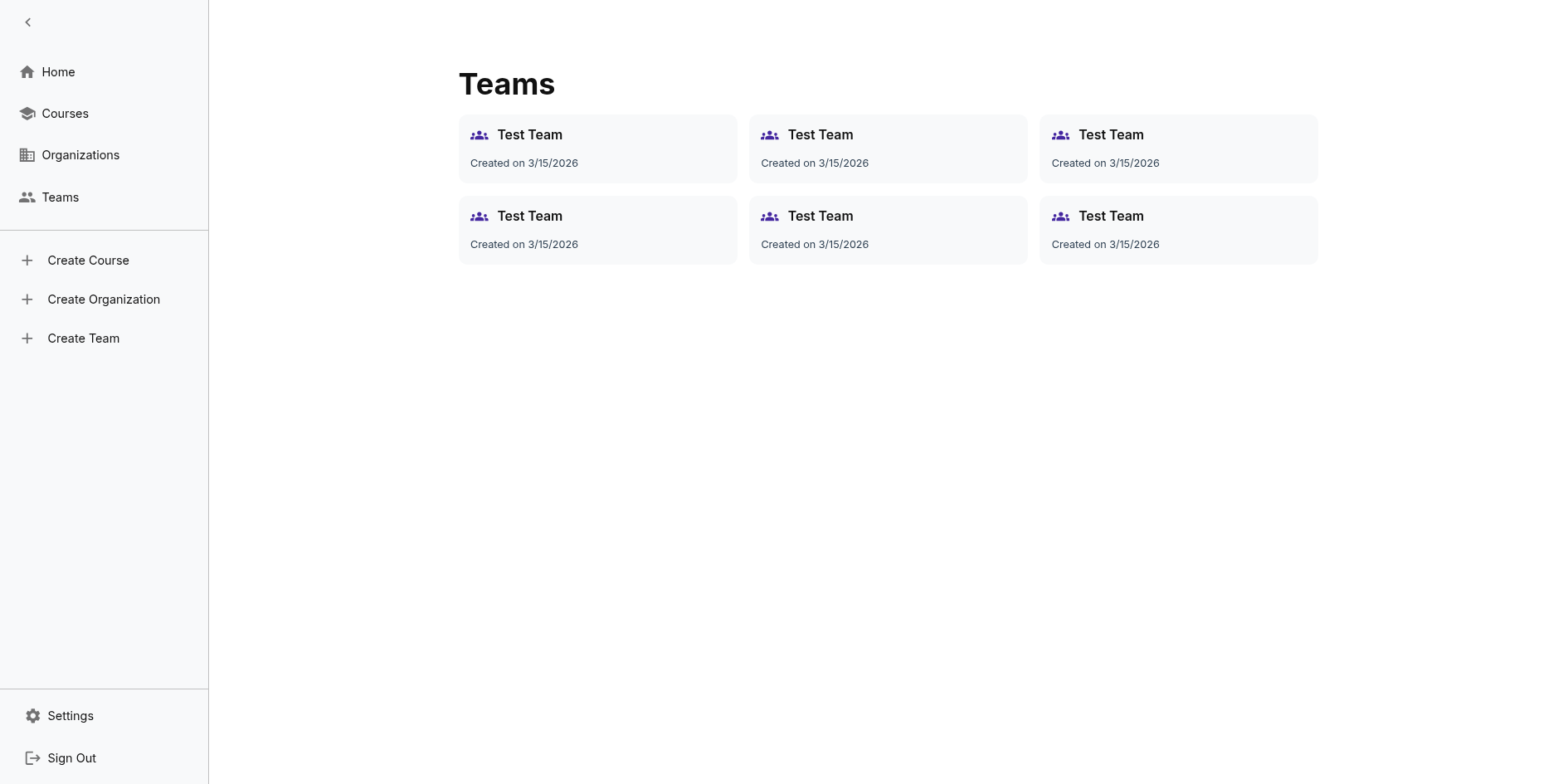
Teams in IncLearn help organize learners within an organization or outside of it for targeted learning and tracking.
What is a Team?
A team is a subgroup within an organization or outside of it that:
- Groups learners together
- Enables bulk enrollment
- Simplifies progress tracking
- Facilitates cohort-based learning
Creating a Team
Prerequisites
- You must be an organization admin or instructor or an individual user registered on IncLearn
Steps
- Navigate to your organization
- Go to Teams section
- Click "Create Team"
- Enter team details:
- Team name
- Description
- Team leader (optional)
Adding Members
- Open the team
- Click "Add Members"
- Search for users by name
- Select and add
Managing Teams
Team Settings
- Edit team name and description
- Change team leader
- Configure team-specific settings
Member Management
- Add/remove members
- Assign roles within team
Course Assignment
- Assign courses to entire teams
- Bulk enroll learners
Use Cases
Department-based Learning
Create teams for different departments:
- Sales team
- Technical team
- Management team
Class-based Learning
For educational institutions:
- Class 10-A
- Class 10-B
- Batch 2024
Project Teams
For corporate:
- Project Alpha
- Project Beta