Getting Started
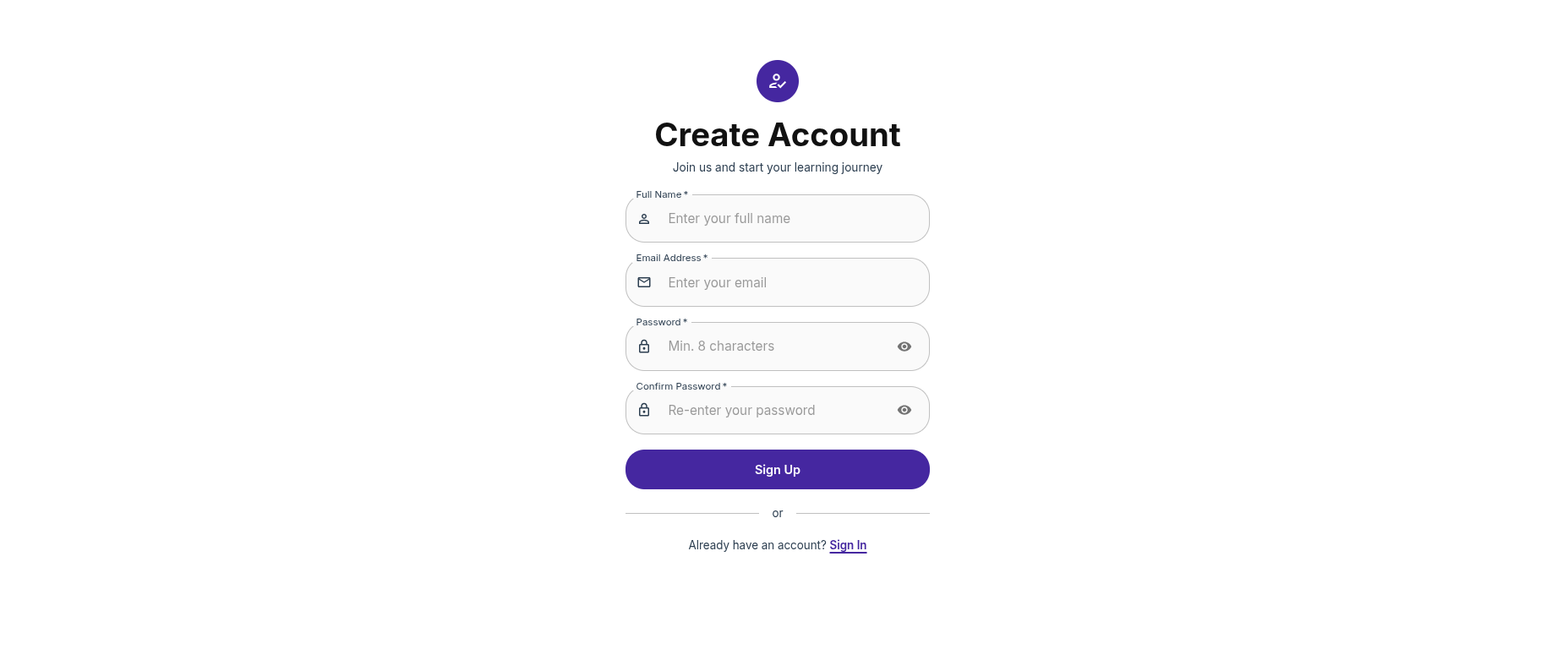

This guide will help you get started with IncLearn quickly.
Prerequisites
- A web browser (Chrome, Firefox, Safari, or Edge)
- An IncLearn account (sign up at the homepage)
Quick Steps
1. Create an Account
- Visit the IncLearn homepage
- Click "Sign Up"
- Enter your email and create a password
- Verify your email
2. Set Up Your Profile
After signing in:
- Go to Profile Settings
- Set your display name
- Choose your preferred language
- Configure accessibility preferences
3. Explore the Platform
For Learners
- Browse enrolled courses and your team
- Start learning!
For Instructors
- Create your first course
- Add chapters with content
- Publish your course
- Add learners
First Steps by Role
Learner Quick Start
- Set your accessibility preferences
- Browse courses
- Start learning from enrolled courses, from your dashboard
Instructor Quick Start
- Create an organization
- Create a team for your learners
- Create a course
- Add content chapters
- Publish course and add learners
Need Help?
- Check the Learner Guide
- Check the Instructor Guide
- Contact support