Learner Guide
This guide covers the learner experience in IncLearn.
Learning Experience
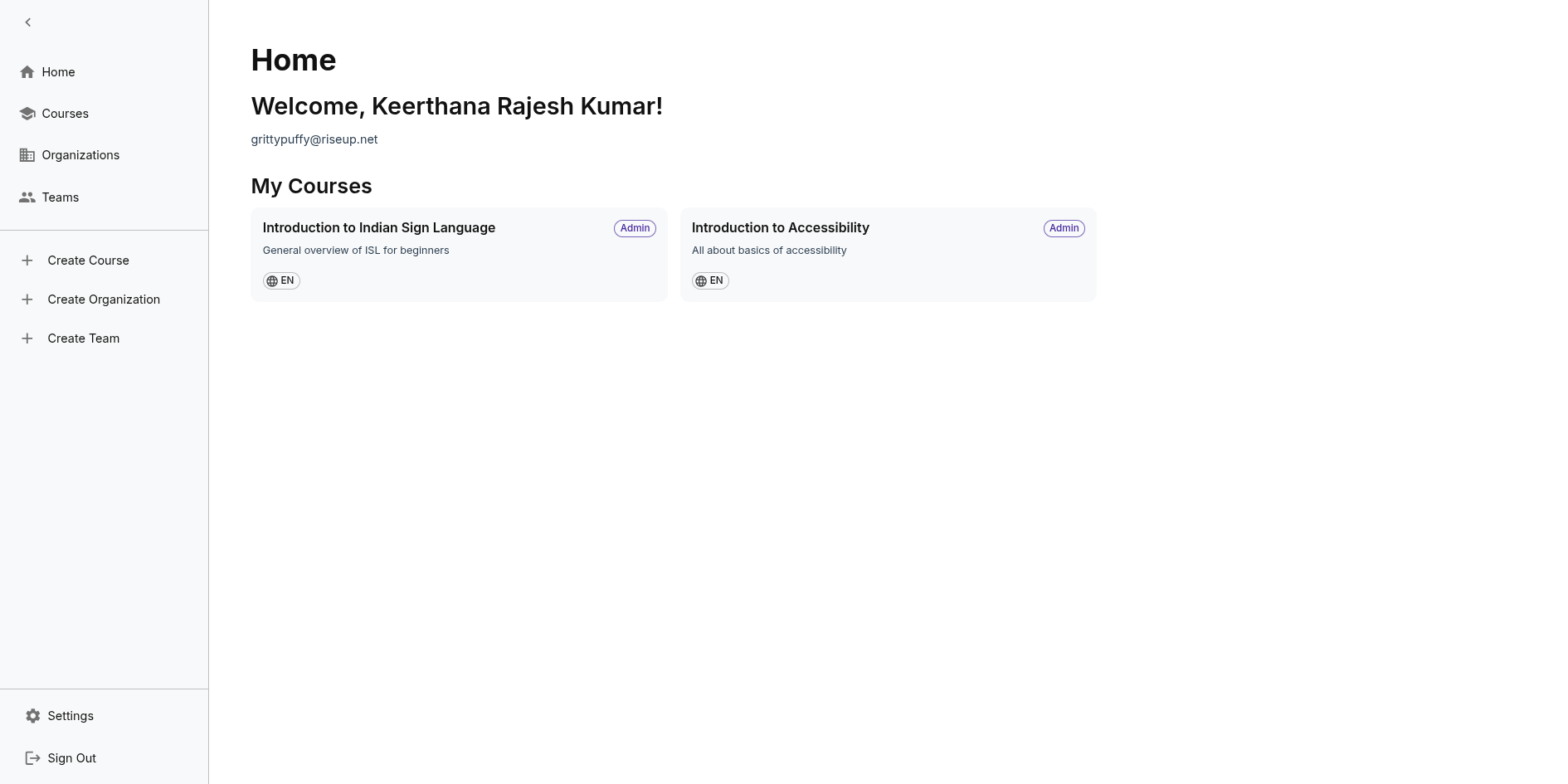
Your Dashboard
After login, your dashboard shows:
- Enrolled courses
Taking a Course
- Select course from dashboard
- Choose module to study
- Navigate through chapters
- Complete chapter content
Content Formats
Courses may include:
- Text chapters
- Videos with captions
- Audio with transcripts
- Documents
- Images with alt text
- Sign language videos
Your preferred learning mode determines how content is displayed.
Accessibility Features
As a learner, you can:
- Set accessibility preferences
- Choose preferred language
- Enable high contrast mode
- Use keyboard shortcuts
- Request accommodations (to be implemented with assignment and tests)