Video Content
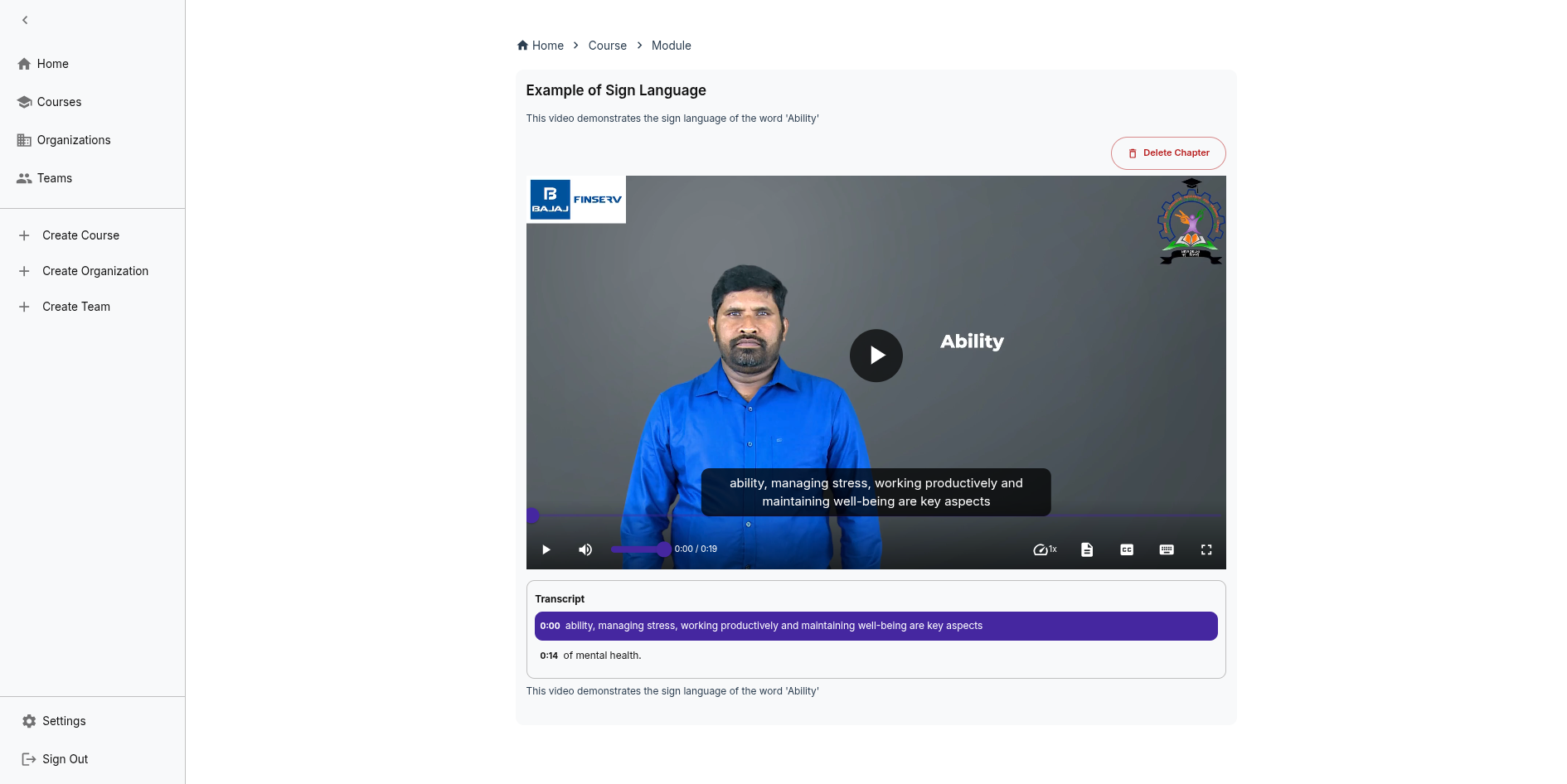
IncLearn provides comprehensive video support with accessibility features.
Video Player
- Powered by AblePlayer for maximum accessibility
- Keyboard shortcuts for playback control
- Screen reader compatible controls
- Adjustable playback speed
Accessibility Features
Captions
Automatic Captioning
- Azure AI services generate captions automatically which is stored in Blob Storage
- Supports multiple languages that are supported by the platform
- Captions are synced with video content
- Full text transcripts generated automatically
- Searchable transcript text
- Click-to-seek functionality in transcript
Video Features
- Safe Viewing Mode - Blocks content that may trigger photosensitive epilepsy
- Reduced Motion - Can disable animated backgrounds
- Audio Descriptions - Available for visual content
Supported Formats
- MP4
Best Practices
- Ensure good audio quality for accurate captioning
- Review and edit auto-generated captions
- Provide transcripts as alternative
- Include sign language interpretation where possible