Instructor Guide
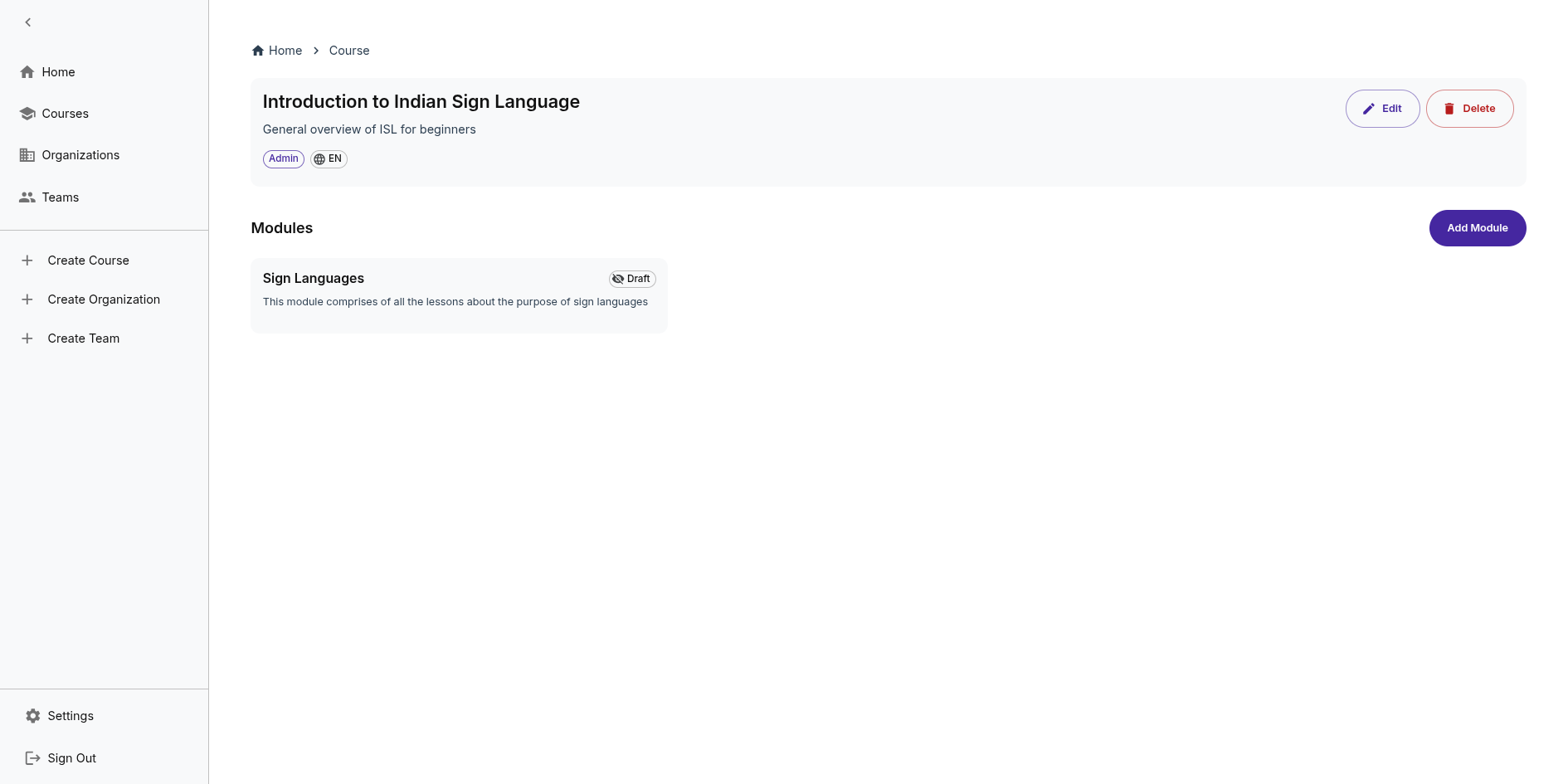
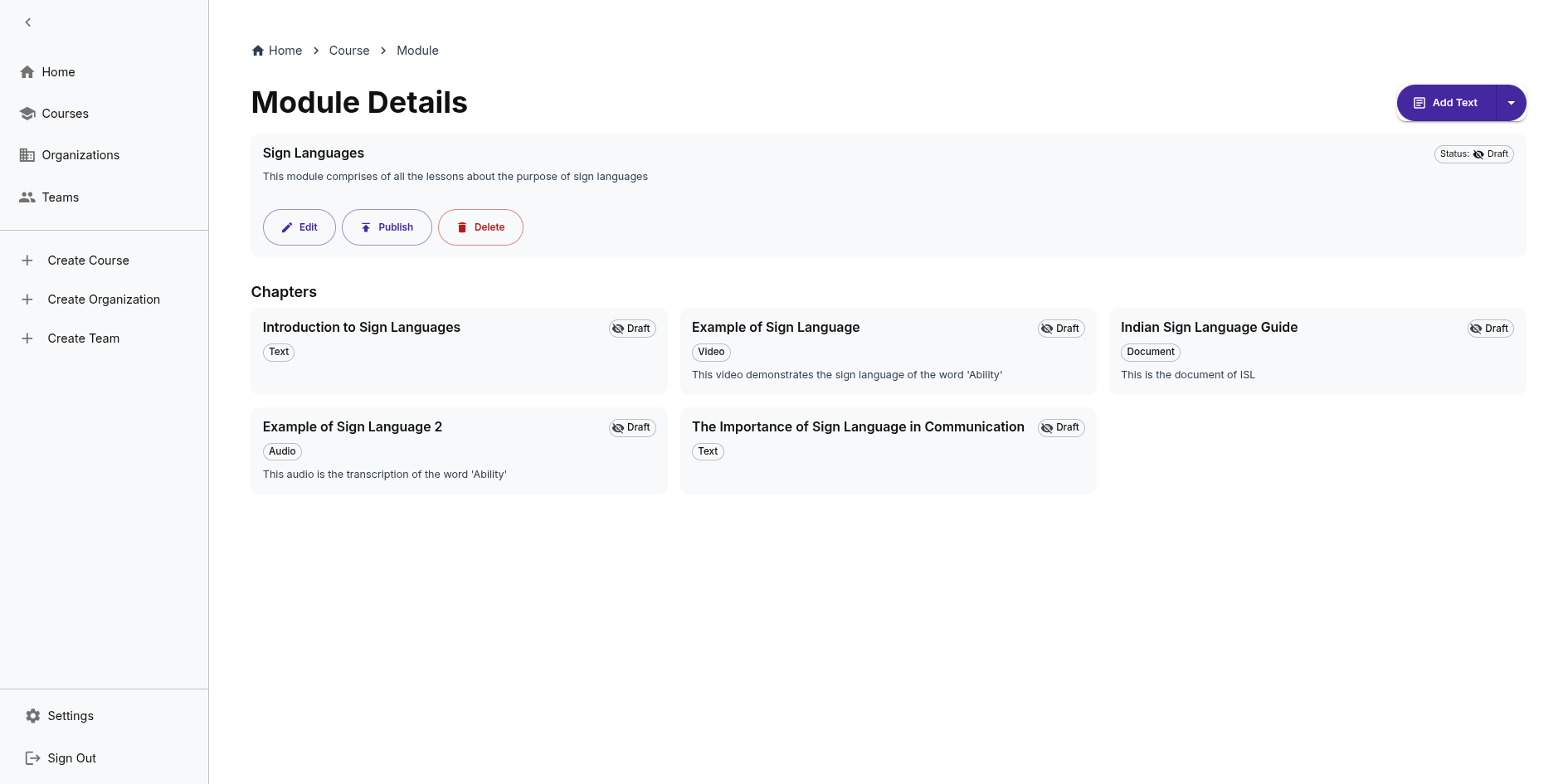
This guide covers how to create and manage courses in IncLearn.
Creating a Course
Step 1: Create Course
- Navigate to your dashboard
- Click "Create Course"
- Enter course details:
- Title
- Description
- Category
Step 2: Add Modules and Chapters
- Open your course in edit mode
- Add modules (sections)
- Add chapters within modules
- Choose content type for each chapter
Step 3: Add Content
Supported content types:
- Text - Rich text with TipTap editor
- Images - Upload JPEG or PNG images
- Documents - PDF, DOCX, PPTX
- Video - Upload MP4 files
- Audio - Upload audio files of MP3 or WAV format
- Sign Language - Sign language videos
Step 4: Accessibility Check
When you publish, the system automatically:
- Evaluates content accessibility
- Generates alt text for images
- Creates captions for videos
- Generates transcripts for audio
Step 5: Publish
- Review accessibility report
- Make any necessary edits
- Publish course
- Share with learners
Managing Courses
Edit Course
- Modify course details anytime
- Add/remove chapters
- Update content
Track Progress
- View learner enrollment
- Review accessibility scores from database metadata (to-be-standardized)