User Preferences
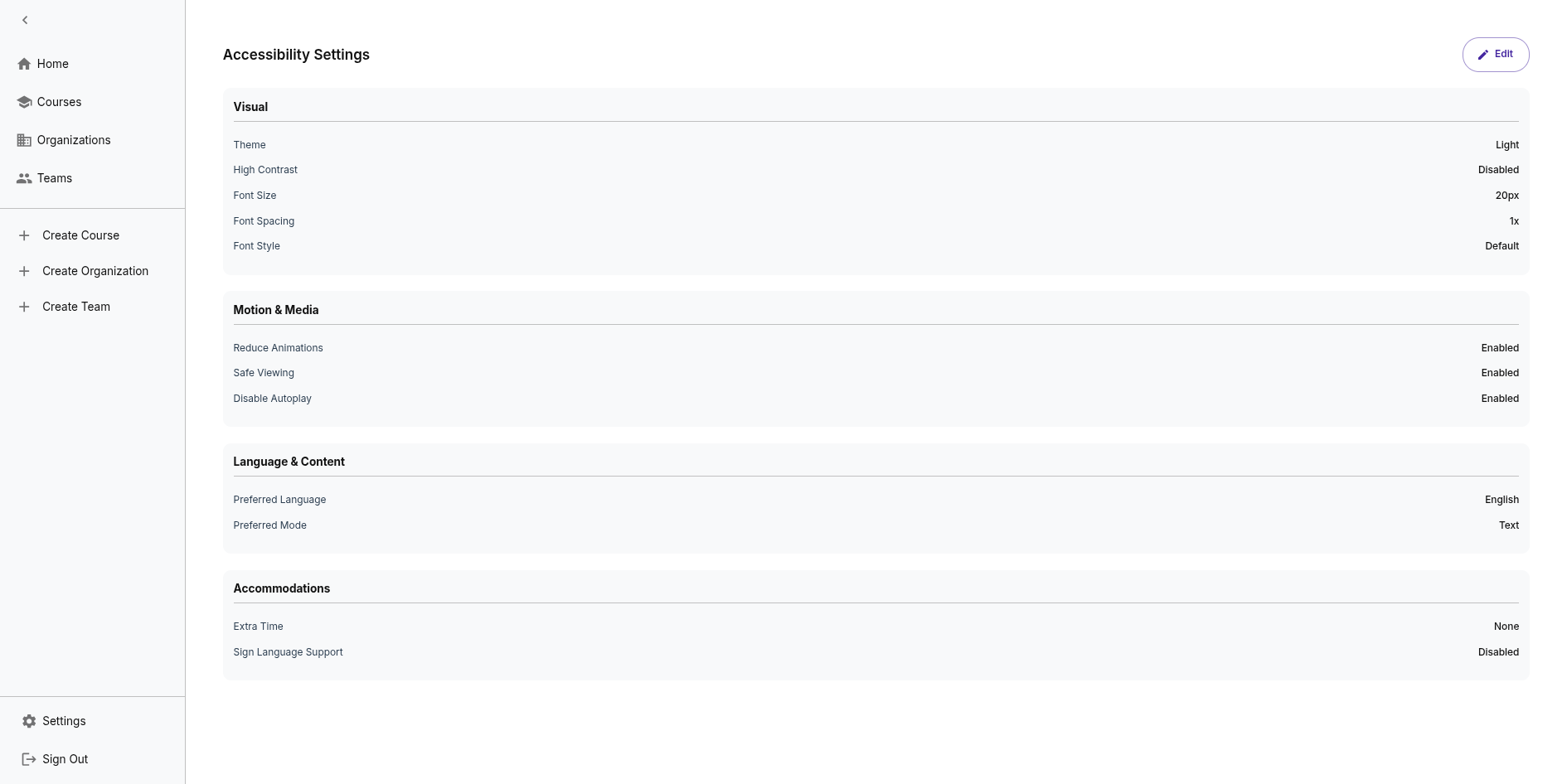
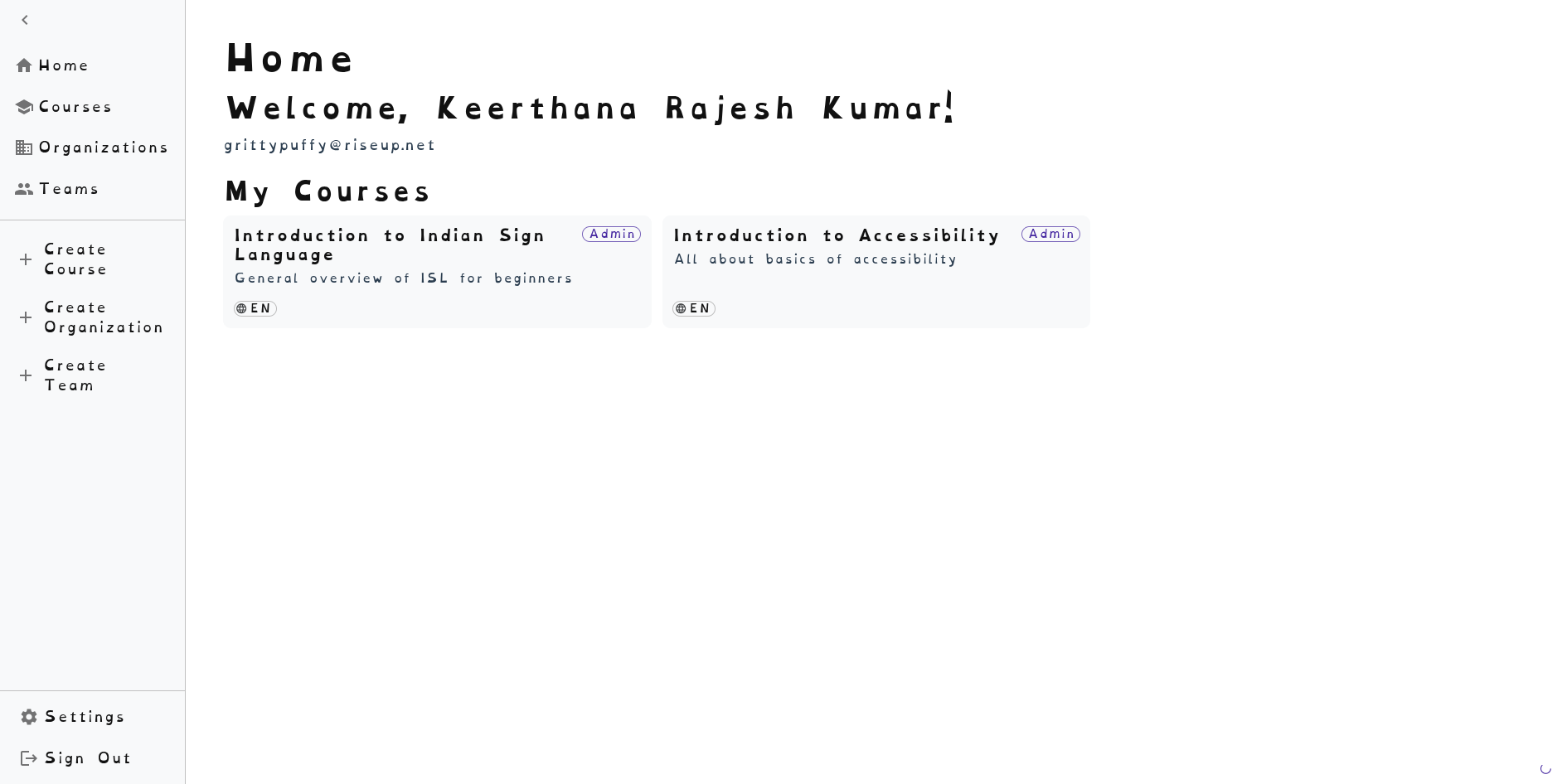
IncLearn allows users to customize their accessibility preferences for an inclusive learning experience.
Theme Options
Visual Themes
- Light Mode - Default light theme
- Dark Mode - Reduces eye strain in low light
- High Contrast - Maximum contrast for visual accessibility
Font Settings
- Default Font - System default sans-serif font
- OpenDyslexic - Dyslexia-friendly font option
- Adjustable Font Size - Increase or decrease text size
Learning Preferences
Preferred Learning Mode
Users can select their preferred content format:
- Text - Text-based content
- Sign - Sign language videos
- Document - Document-based learning
- Image - Image-based content
- Audio - Audio lessons
- Video - Video lessons
Language Preference
Content is available in:
- English
- Tamil (தமிழ்)
- Hindi (हिन्दी)
- Malayalam (മലയാളം)
Accessibility Settings
Safe Viewing Mode
- Blocks content that may trigger photosensitive epilepsy
- Filters flashing or strobing effects
Animation Settings
- Reduced Animation - Minimizes motion effects
- Disable Autoplay - Prevents automatic media playback
Accommodations
Users can specify:
- Extra time needed for assessments
- Sign language support requirements
- Additional accessibility needs
Persisting Preferences
Preferences are saved to the user's profile and applied automatically across sessions and devices.